
Why do websites lose rankings after a relaunch?
Usually because of a few avoidable mistakes:
- Old URLs show an error page (404), and Google and visitors hit a dead end
- All old pages are redirected to the home page across the board
- Well-ranking texts are shortened or removed
- Page titles and meta descriptions are lost
- The block on the staging site (noindex) is carried over to the live website
- The new website loads more slowly on mobile than the old one
How do I create a URL inventory?
Before the relaunch, collect all existing URLs from several sources: the XML sitemap, Google Search Console (pages with impressions), a crawler such as Screaming Frog and your web analytics. Mark the pages that bring visitors, enquiries or links from other websites. Exactly these pages need an equivalent on the new website.
How do I plan the redirects?
Every old URL gets a target on the new website that matches its content as closely as possible. Record this in a table:
| Old URL | New URL | Status |
|---|---|---|
| /services/bathroom.html | /services/bathroom-renovation/ | 301, permanently redirected |
| /team.php | /about-us/ | 301, permanently redirected |
| /index.php?id=12 | /contact/ | 301, permanently redirected |
| /news/trade-fair-2019/ | no replacement | 410, deliberately removed |
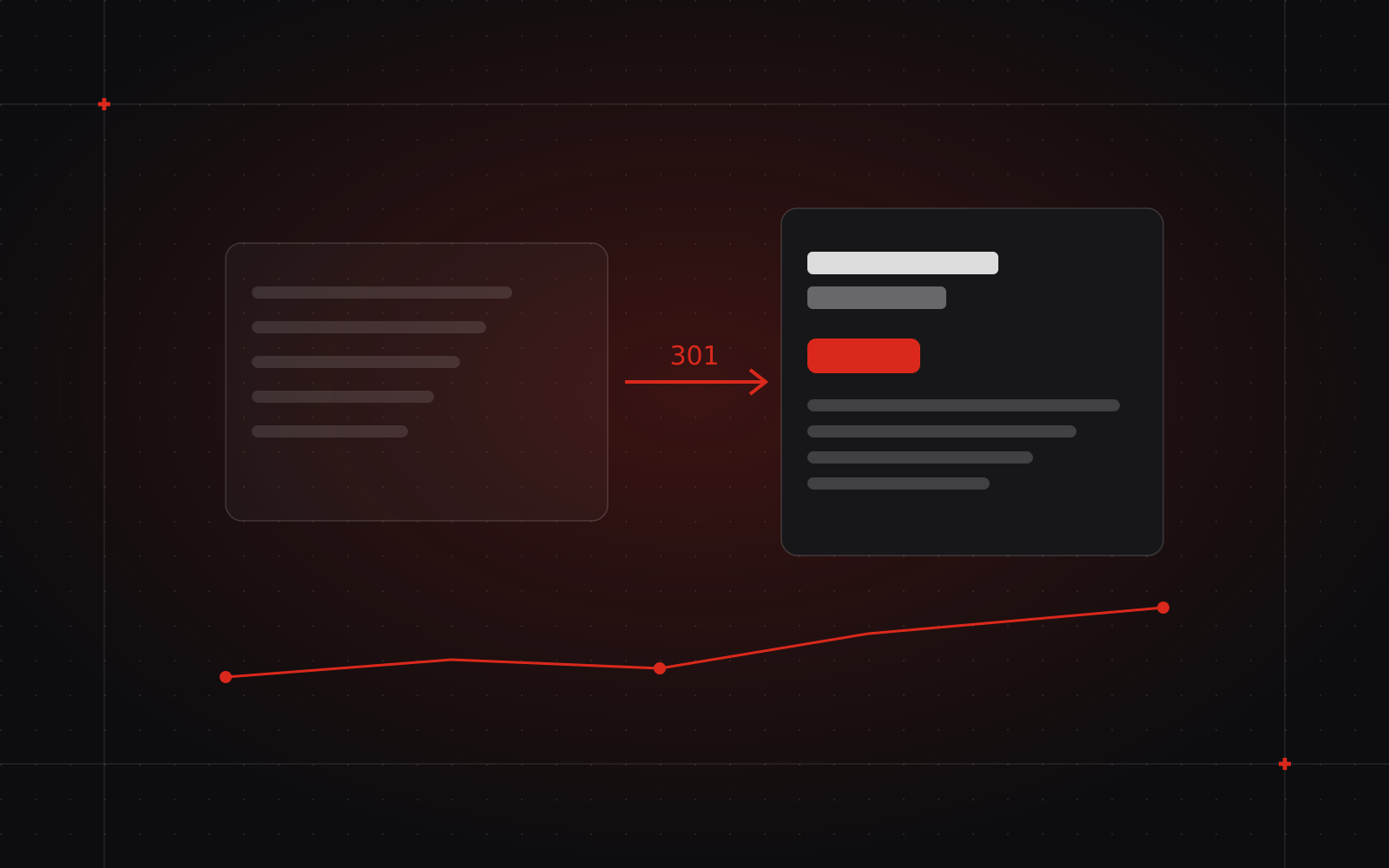
Use 301 redirects, because they signal a permanent move. Avoid chains from A to B to C, and only redirect to the home page if there really is no matching page.
What do I check before launch?
- Page titles and meta descriptions are carried over or improved
- Every page has exactly one H1 and a sensible heading structure
- Canonical tags point to the new URLs
- On multilingual websites, the hreflang tags are correct
- The noindex block of the staging site is removed and robots.txt allows crawling
- The new XML sitemap only contains reachable pages
- Structured data, image alt texts, forms and tracking work
- Loading time on mobile is at least as good as before
What needs to happen on launch day?
- Activate the redirects and test them with samples from the URL inventory
- Submit the new sitemap in Google Search Console and Bing Webmaster Tools
- If the domain changes, also use the Change of Address tool in Search Console
- Update the website link in your Google Business Profile and in directories
How do I monitor rankings after launch?
| When | What you check |
|---|---|
| On day one | Redirects, forms, tracking, a crawl for error pages |
| In the first week | Indexing and crawl errors in Search Console |
| In weeks two to six | Impressions and clicks compared with the previous period, most important search terms |
| Long term | Keep redirects for at least one year, ideally permanently |
Is changing platforms a particular risk?
Yes, because the URL structure almost always changes. Shopify, for example, requires paths such as /products/ and /collections/, and other systems have their own patterns. When moving from WordPress, Wix or an older store system, a URL inventory is therefore a must. Plan the redirects before the design is finished, not on the day before launch.